




Skip to content

For shop owners · Starting in Kharian

Your shop online, with its own link and QR code.

آپ کی دکان، آپ کی پہچان

Dukandar360 gives your dukan a free online shop. Add products from a ready gallery with pictures, share your link on WhatsApp, and take orders for delivery or pickup. Customers pay cash on delivery.

Free on the App Store for iPhone and on Google Play for Android.

See how it works
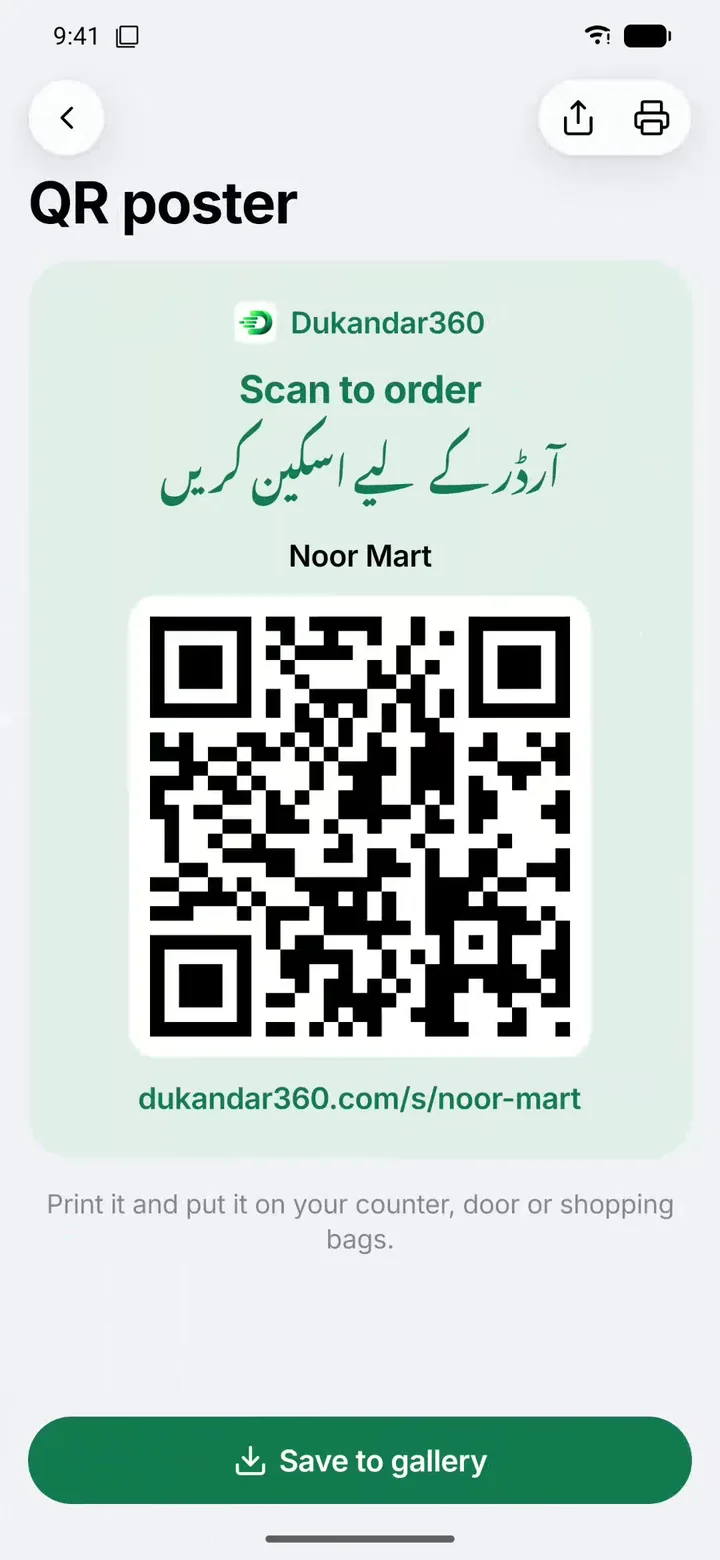
The shop's QR poster in the app: “Scan to order”, the QR code and the shop's link.
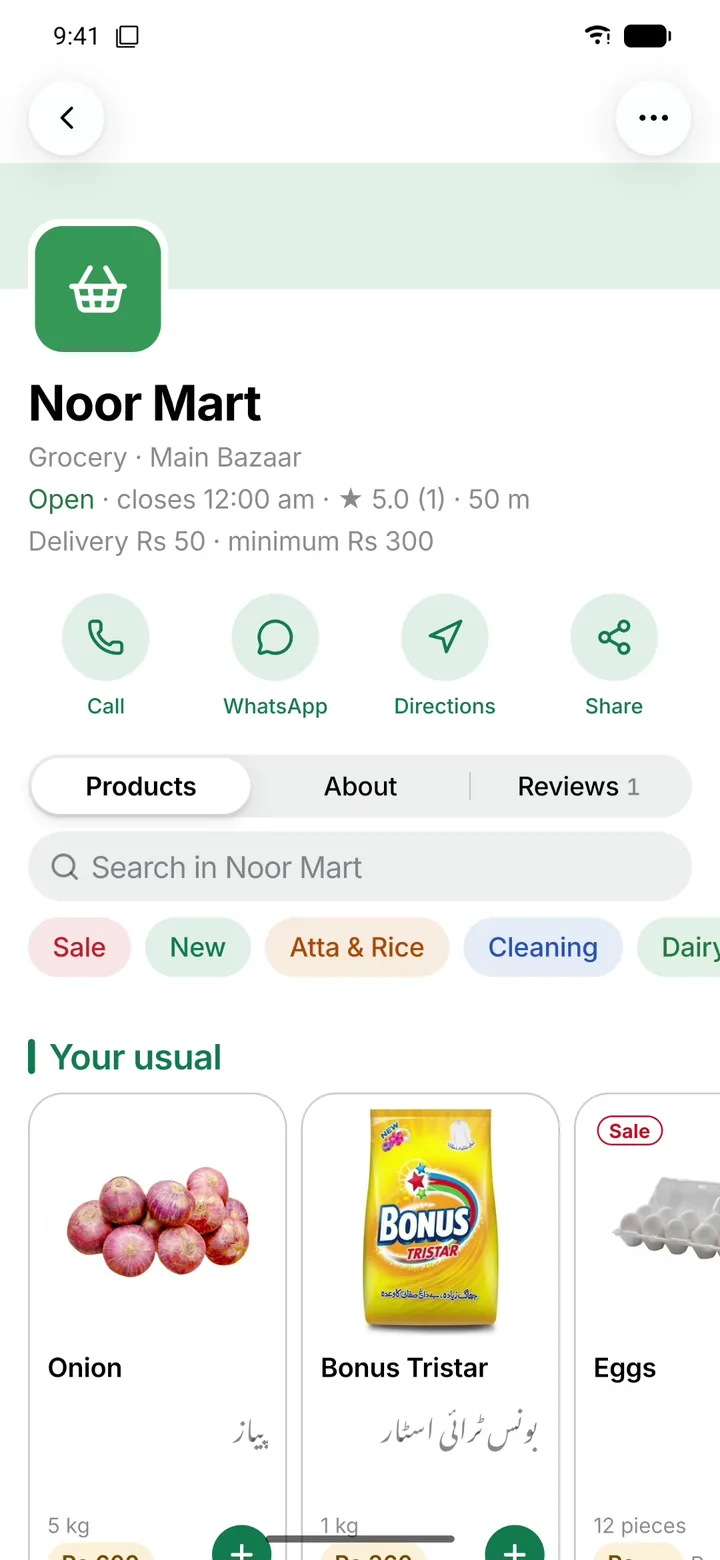
A shop's page in the Dukandar360 app: Noor Mart, a grocery in Main Bazaar, open until midnight, with Call, WhatsApp, Directions and Share buttons and its products.

Product gallery

Pick what you sell from the gallery. The picture, the English and Urdu names and the sizes come with it; you set the price.

  • Tomato

    ٹماٹر

  • Lemon

    لیموں

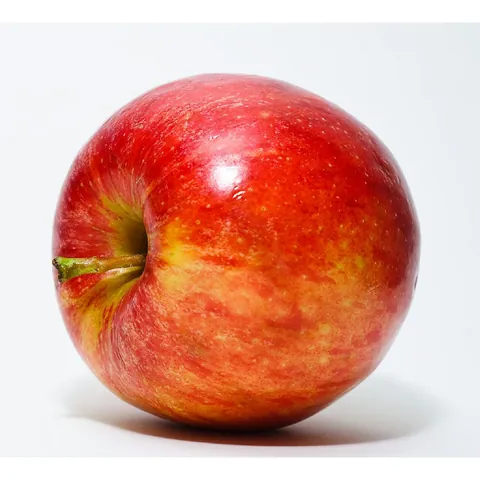
  • Apple

    سیب

  • Cherry

    چیری

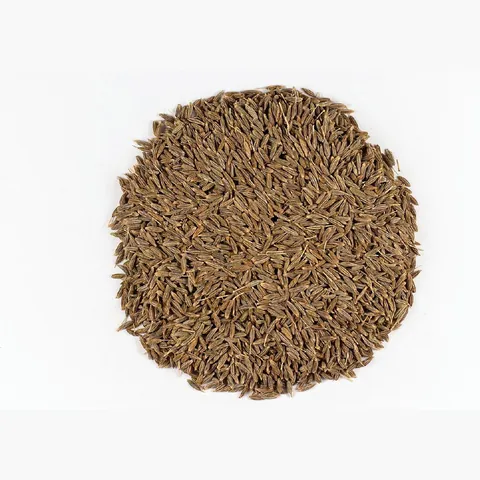
  • Zeera

    زیرہ

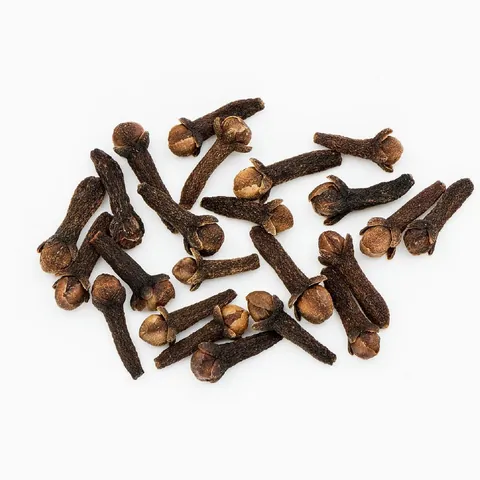
  • Laung

    لونگ

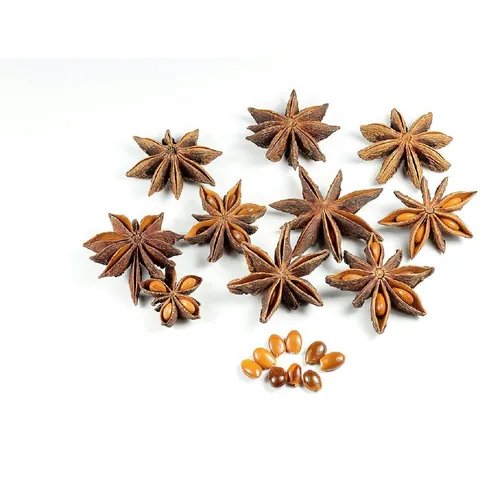
  • Badiyan Phool

    بادیان کا پھول

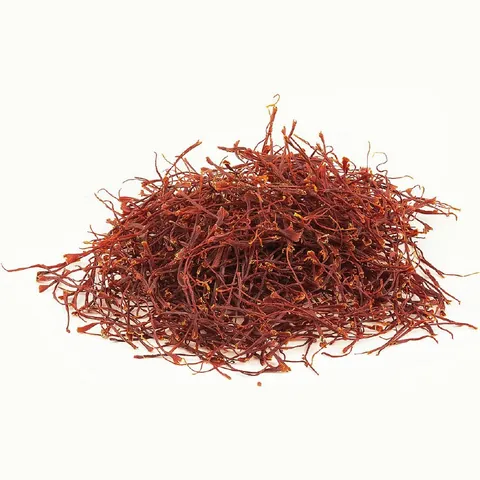
  • Zafran

    زعفران

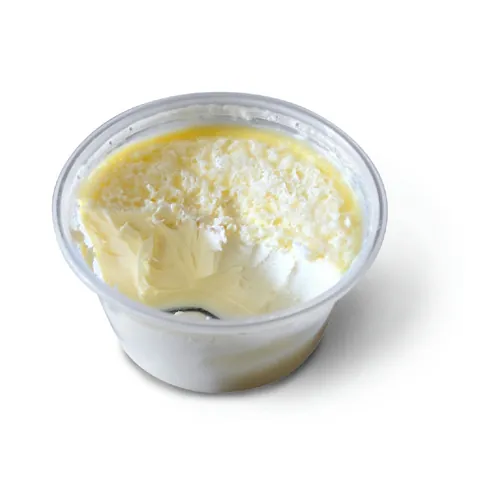
  • Malai

    ملائی

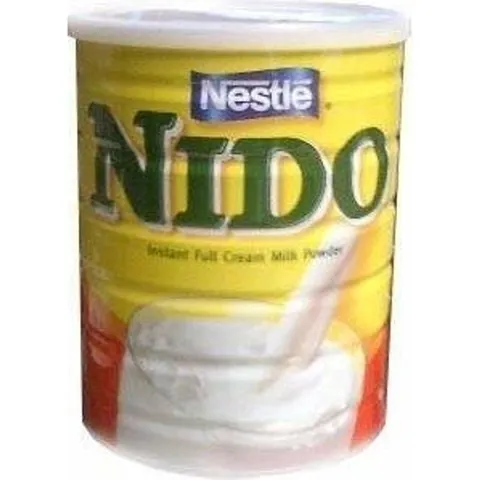
  • Nido Milk Powder

    نیڈو دودھ

  • Kurkure

    کرکرے

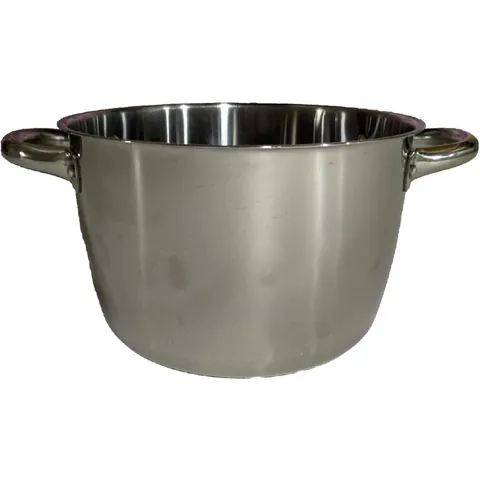
  • Cooking Pot (Degchi)

    دیگچی

  • Peshawari Chappal

    پشاوری چپل

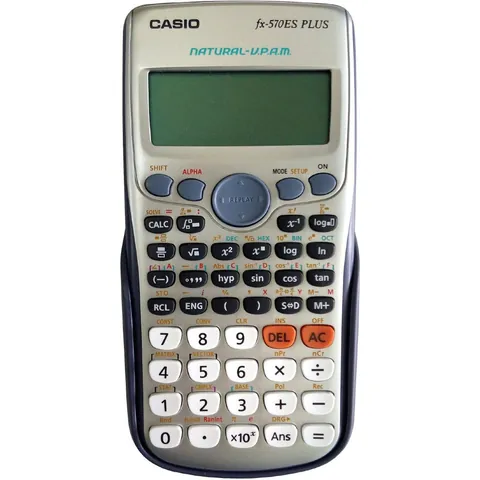
  • Casio fx-991ES Plus

    کیسیو کیلکولیٹر

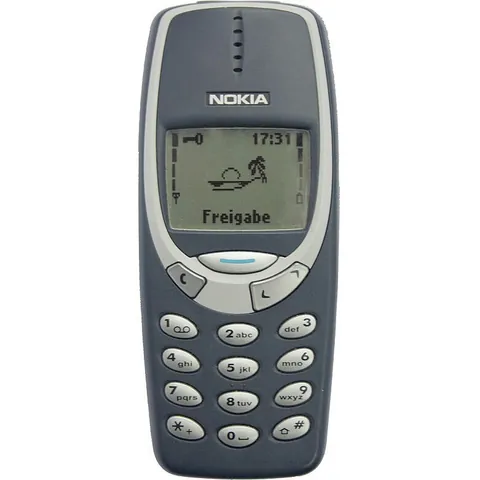
  • Nokia 3310

    نوکیا 3310

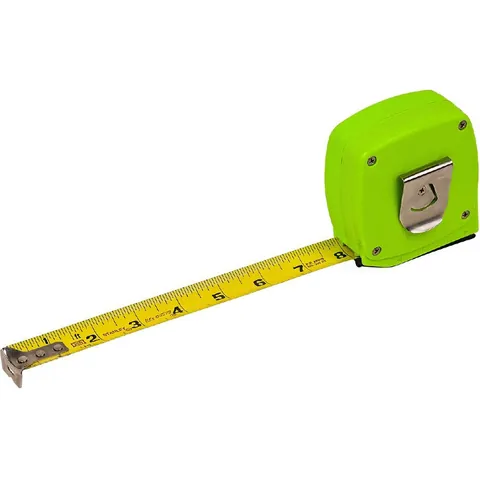
  • Measuring Tape

    ناپنے کا فیتہ

Some of the gallery's photos, from Wikimedia Commons and Open Food Facts. Photo credits

One app, three ways to use it.

Sign up with your mobile number and a code on WhatsApp. One account does all three, and you can switch at any time.

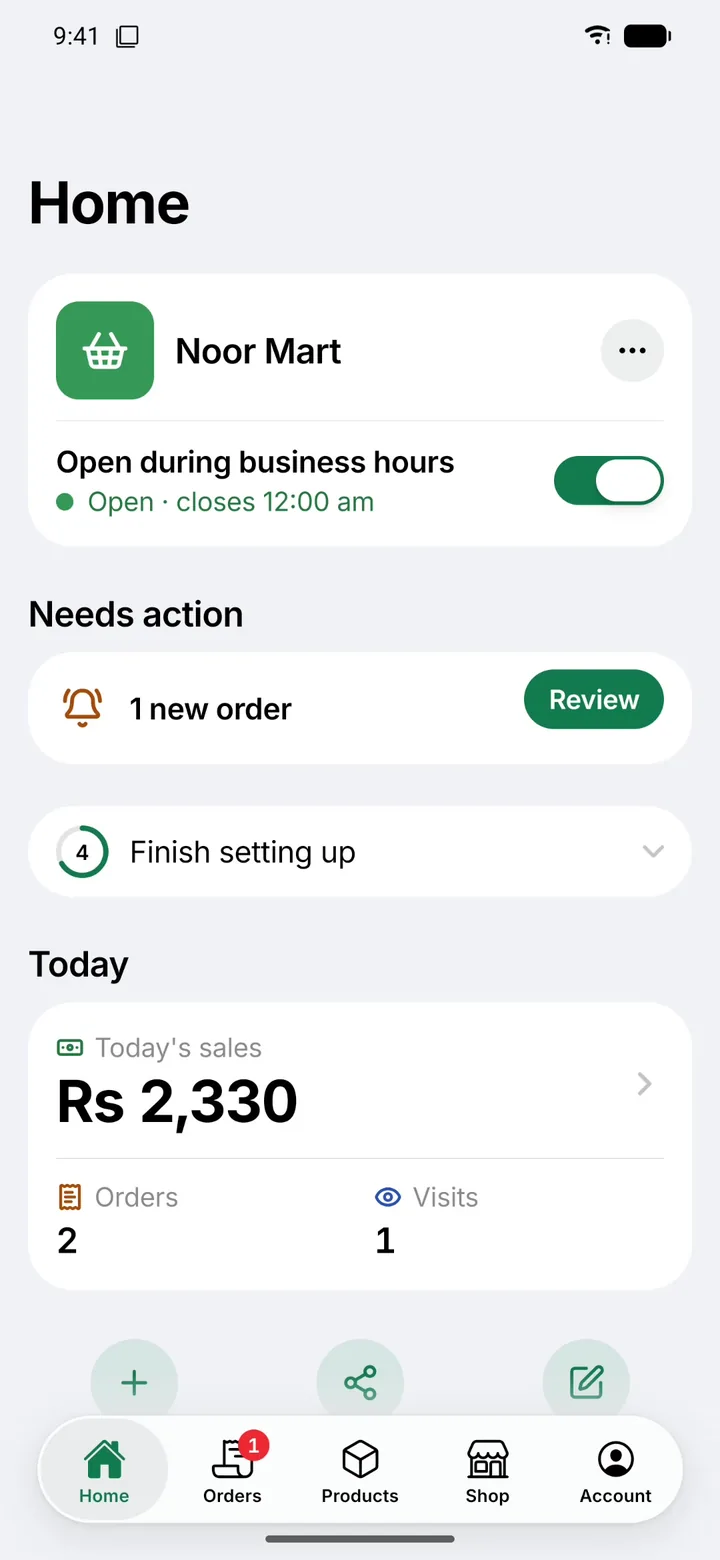
The shop owner's Home screen: the shop is open, one new order to review, and today's sales of Rs 2,330 from 2 orders.

Shop owners

Run your shop from your phone

  1. Name your shop, choose what you sell and pin where you are.
  2. Add products from the gallery and set your prices.
  3. Share your link and QR code. Accept orders, pack them, and deliver yourself or send them with a rider.
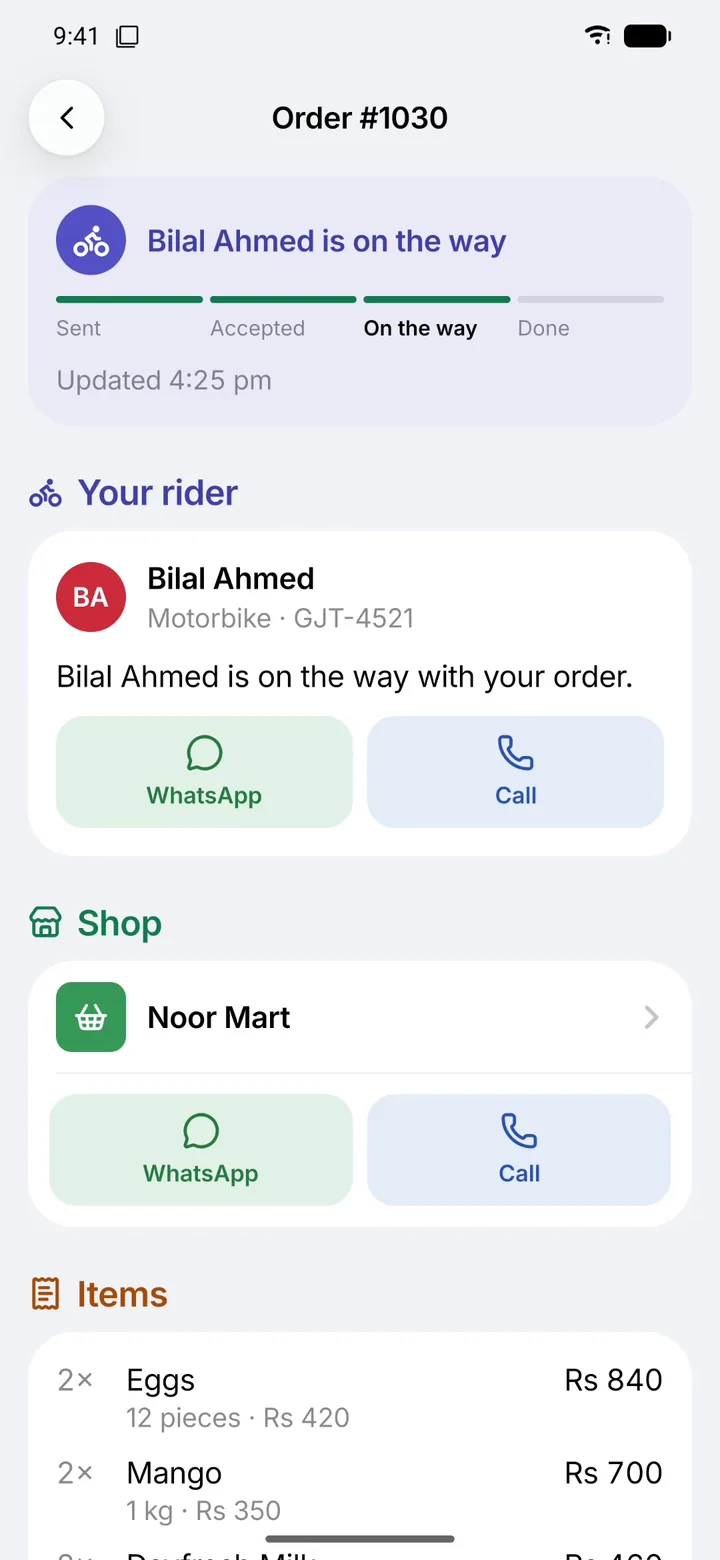
An order on its way: Bilal Ahmed, the rider, is bringing it, with WhatsApp and Call buttons for the rider and the shop.

Customers

Order from the shops you know

  1. Scan the shop's QR code or open its link.
  2. Add products to the cart and choose delivery or pickup.
  3. Pay cash on delivery, and follow the order live.
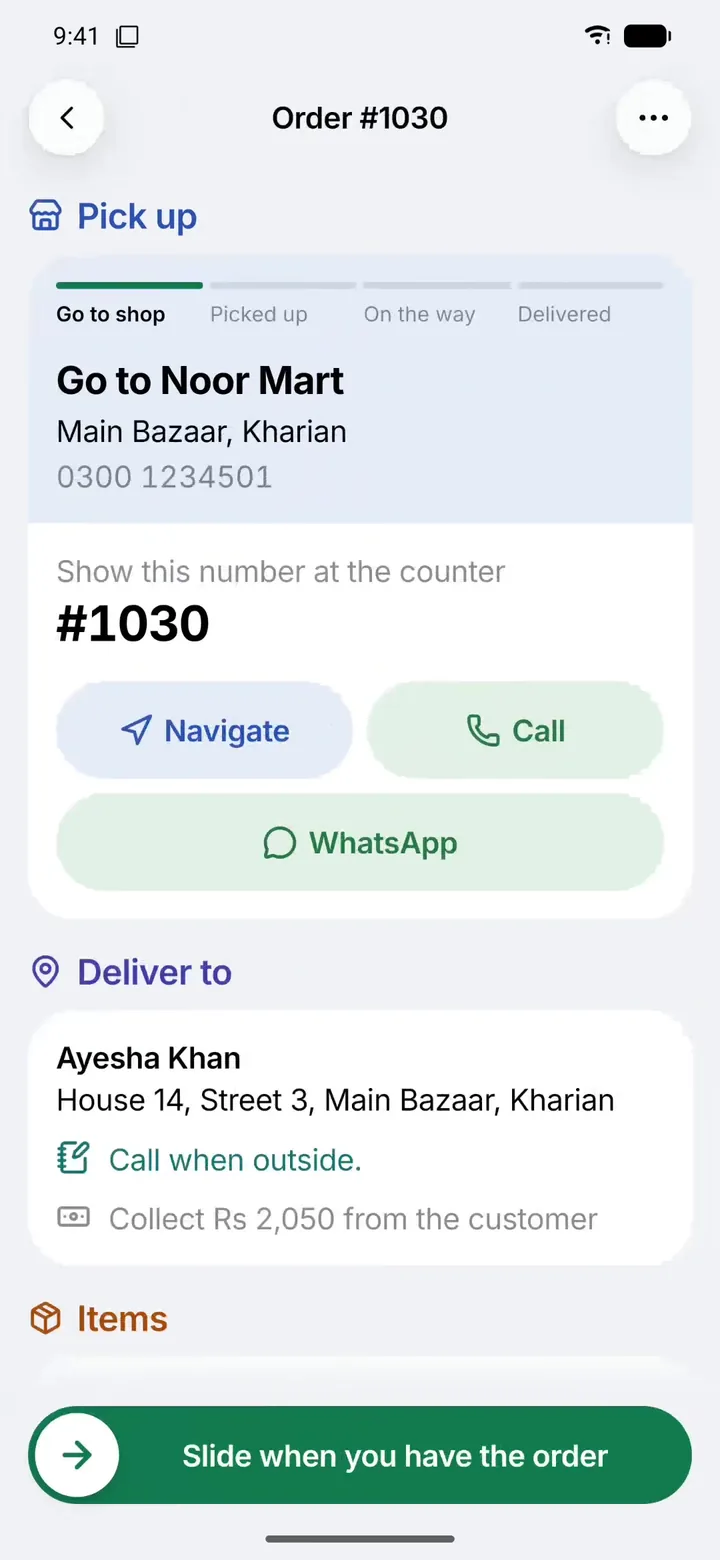
A rider's delivery: go to Noor Mart, show order number 1030 at the counter, with Navigate, Call and WhatsApp buttons.

Riders

Deliver for shops in your city

  1. Choose “Deliver orders” and add what you ride: motorbike, bicycle, rickshaw or car.
  2. Go online. Shops near you send you deliveries, and you see the cash to collect before you accept.
  3. Pick up, deliver and slide to finish. The day's cash to hand over is added up for you.

Made for the way a local shop already works.

Your regular customers already message you on WhatsApp. Dukandar360 gives those messages a shop to land in.

Add products

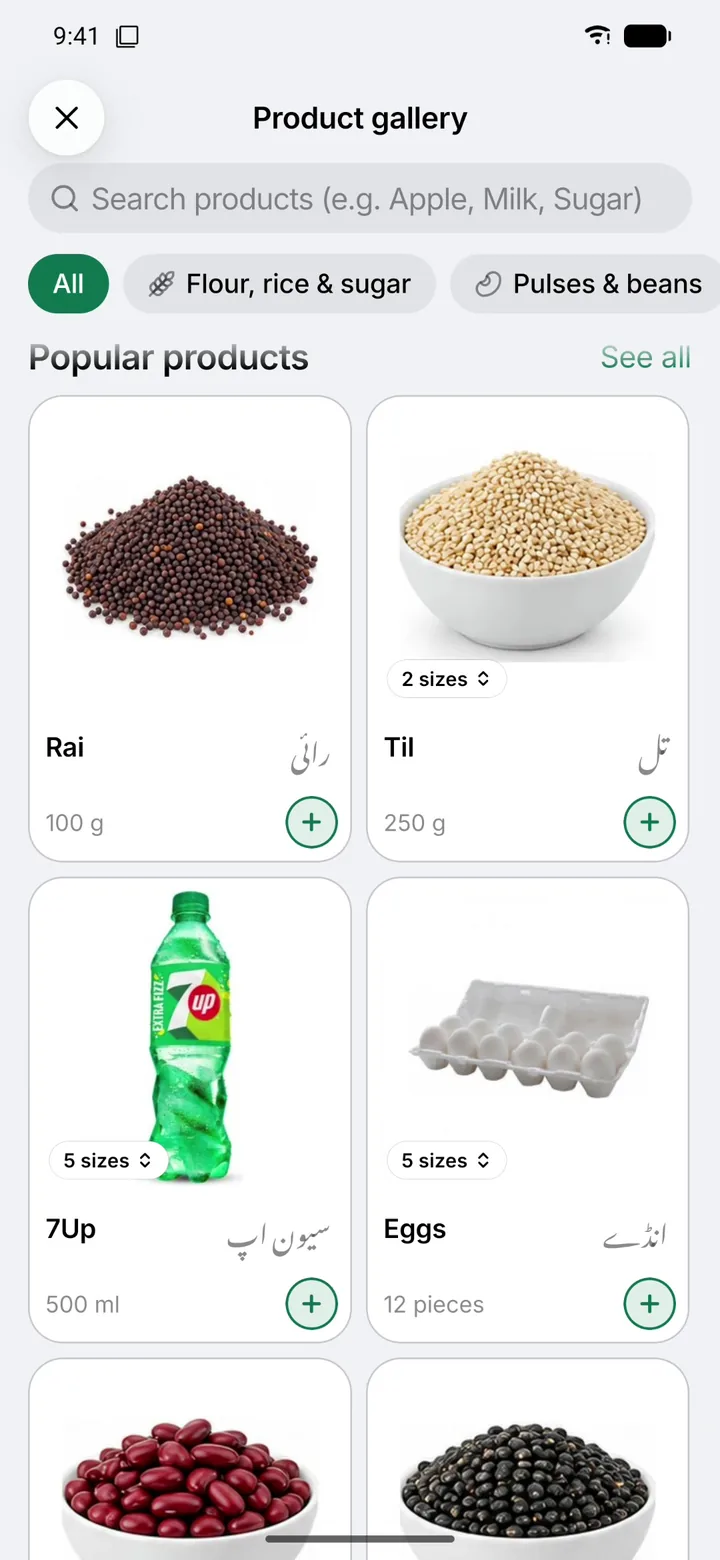
Search the gallery for Lipton, eggs or basmati rice, choose the size and type your price. Names come in English and Urdu, so every customer can read them.

  • Everyday products with pictures, ready to add
  • Sizes and units to choose from
  • Your own products and photos too
The product gallery: search, categories such as Flour, rice & sugar and Pulses & beans, and popular products with pictures and both names.
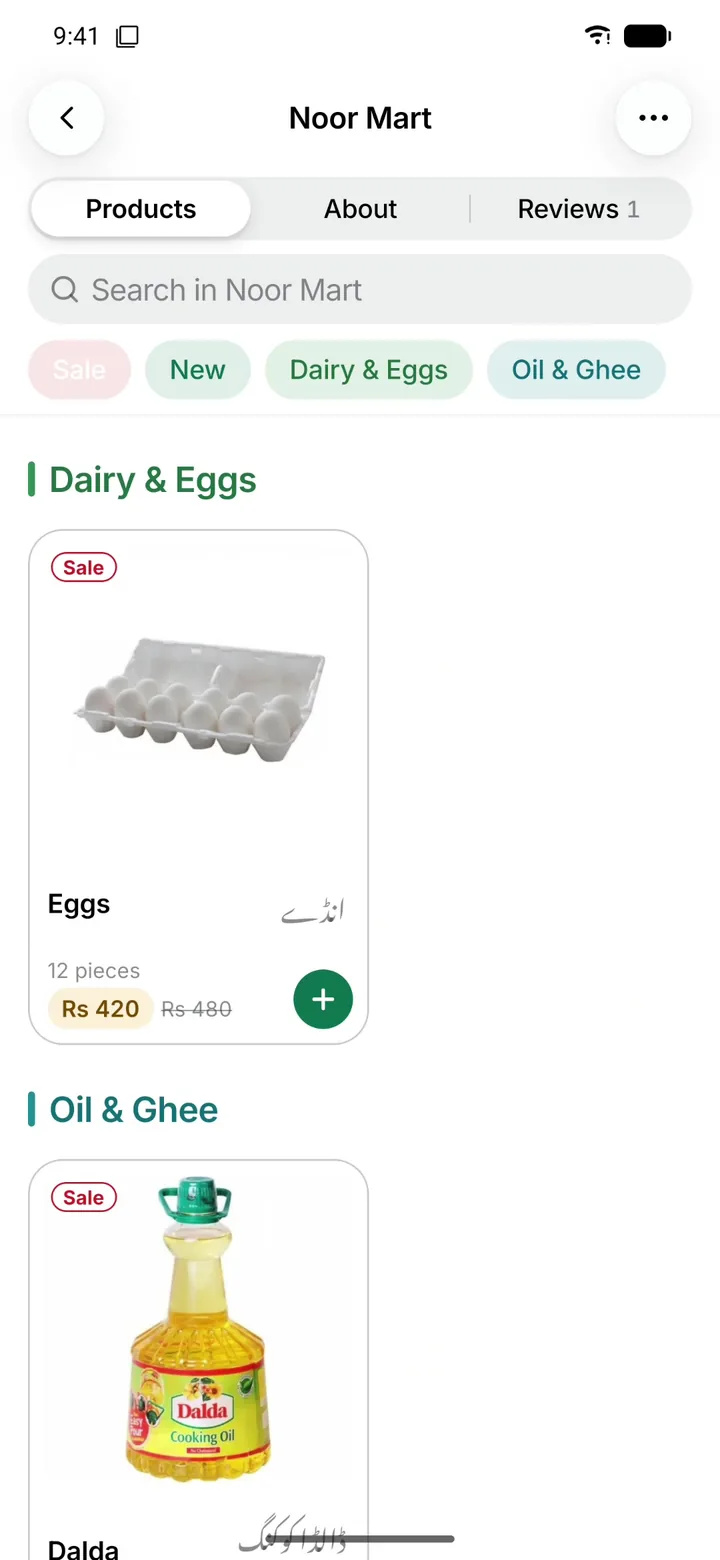
Noor Mart's products as customers see them: eggs and Dalda cooking oil with pictures, English and Urdu names, and sale prices.

Your link and QR code

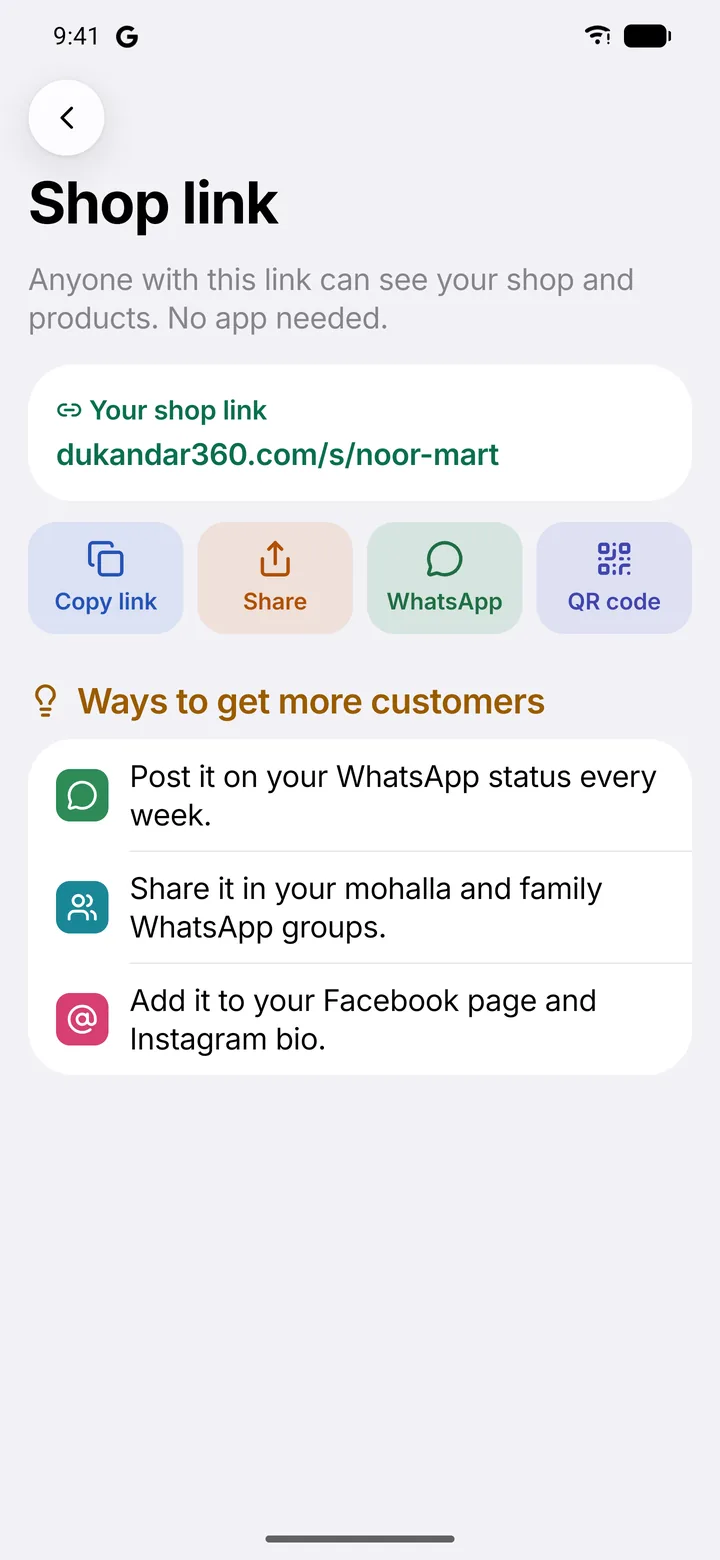
Your shop gets its own address. Put it on your WhatsApp status and in local groups. Print the QR poster for your counter, door or shopping bags: customers scan it to order.

dukandar360.com/s/your-shop

The Shop link screen: dukandar360.com/s/noor-mart with Copy link, Share, WhatsApp and QR code buttons, and tips for getting more customers.
The QR poster: Dukandar360, “Scan to order” in English and Urdu, the shop's name, its QR code and link, and a Save to gallery button.

Orders and riders

Accept, pack, send

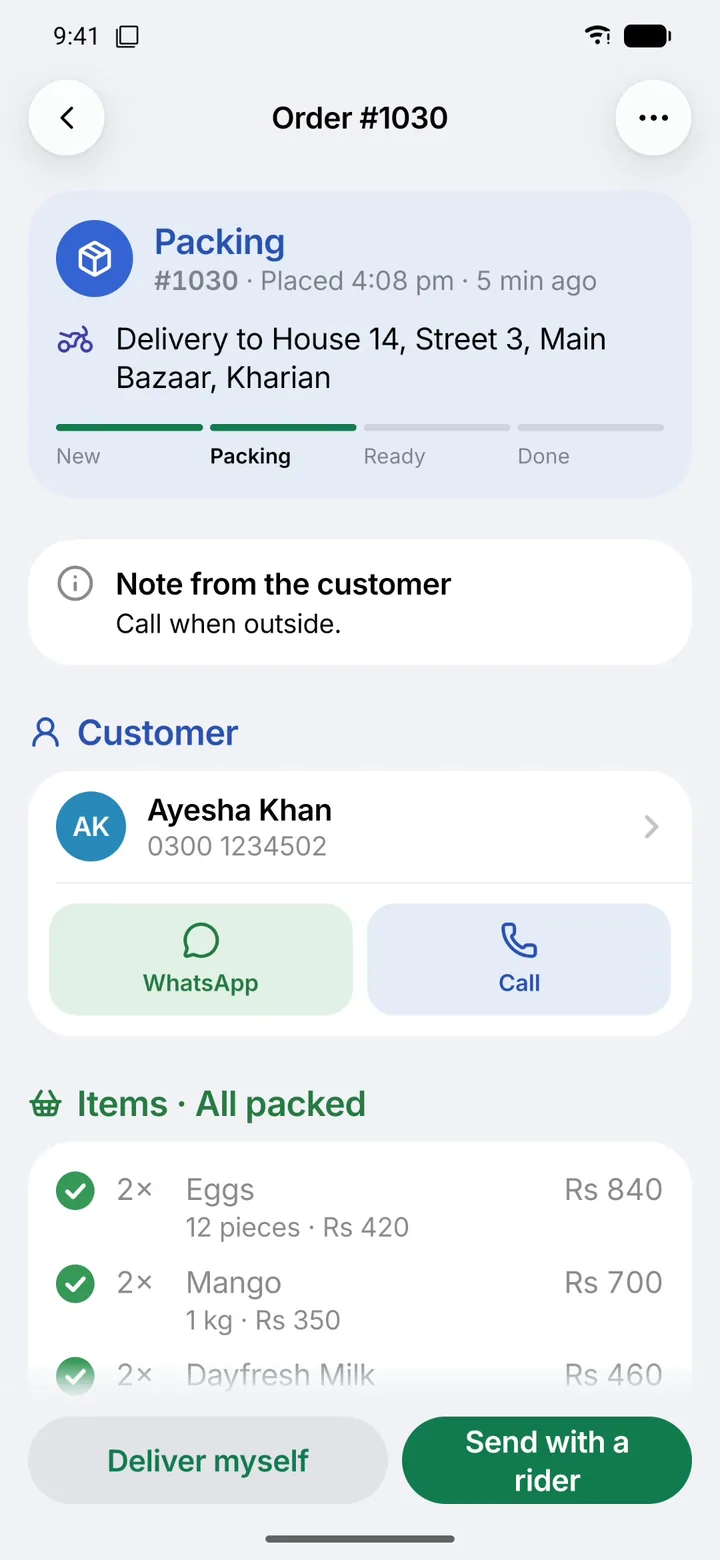
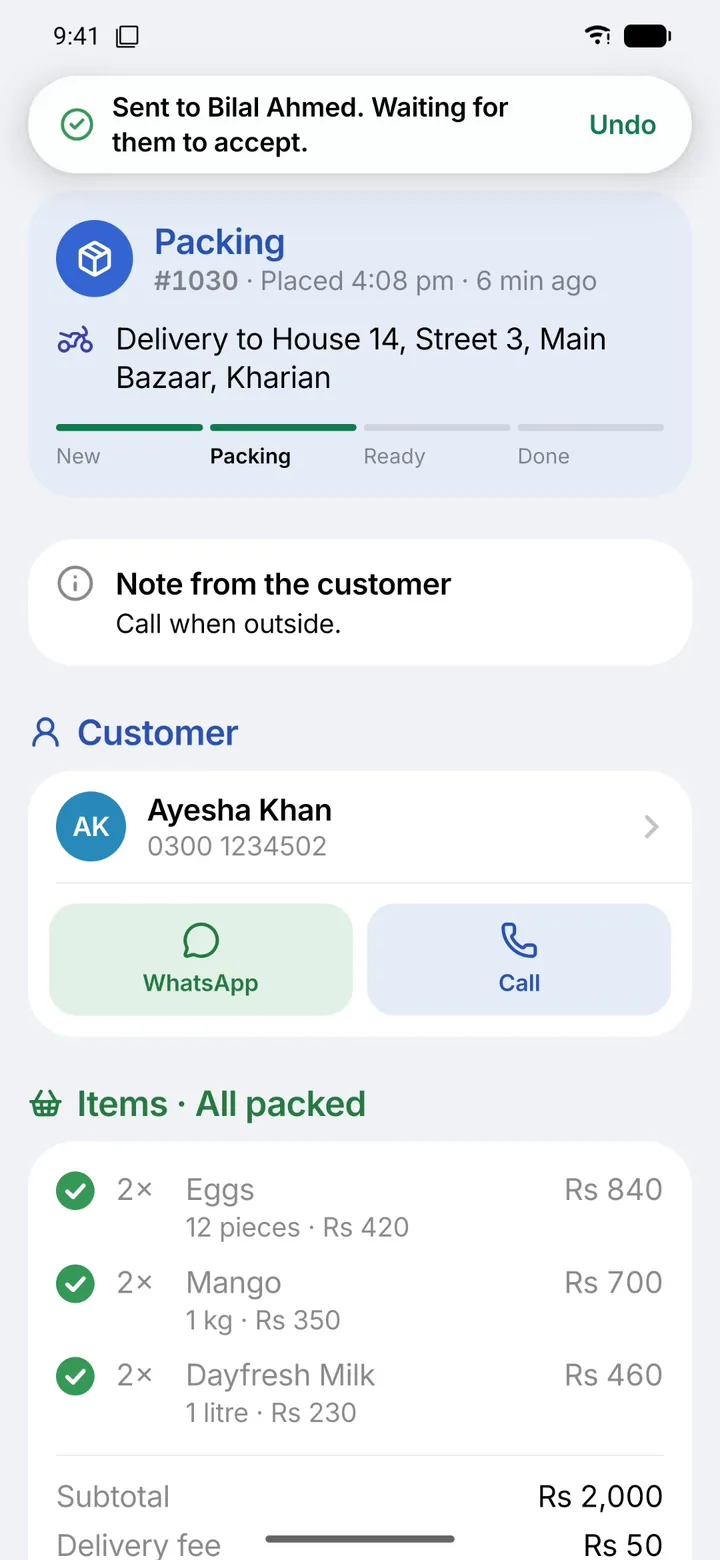
A new order comes with a notification. Tick off items as you pack, then deliver it yourself or send it with a rider who delivers in your area. The customer sees every step.

An order being packed: delivery to House 14, Street 3, Main Bazaar, Kharian, the customer's note, and all three items ticked.
The order sent to Bilal Ahmed, a rider, waiting for him to accept, with an Undo button.

Promote a product

Put it on sale, then tell people

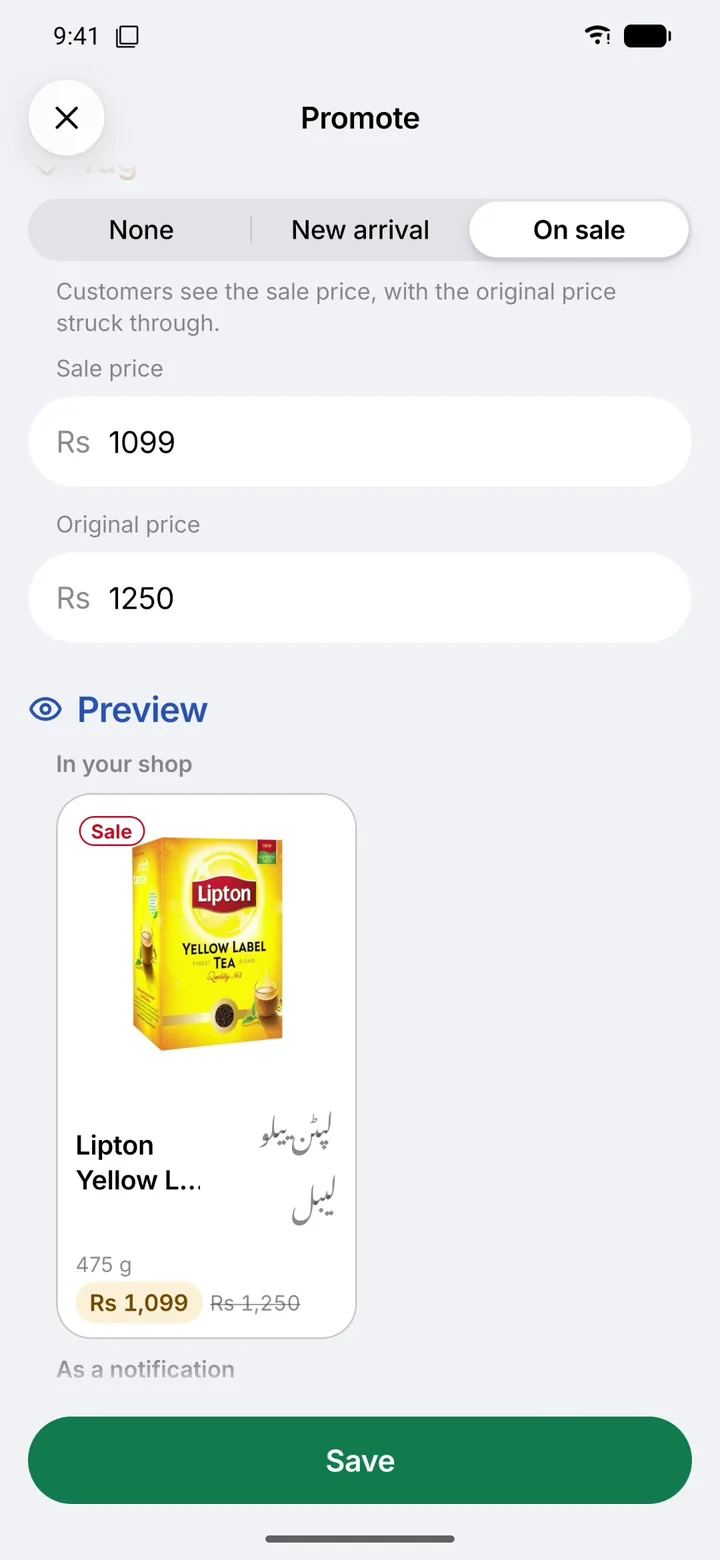
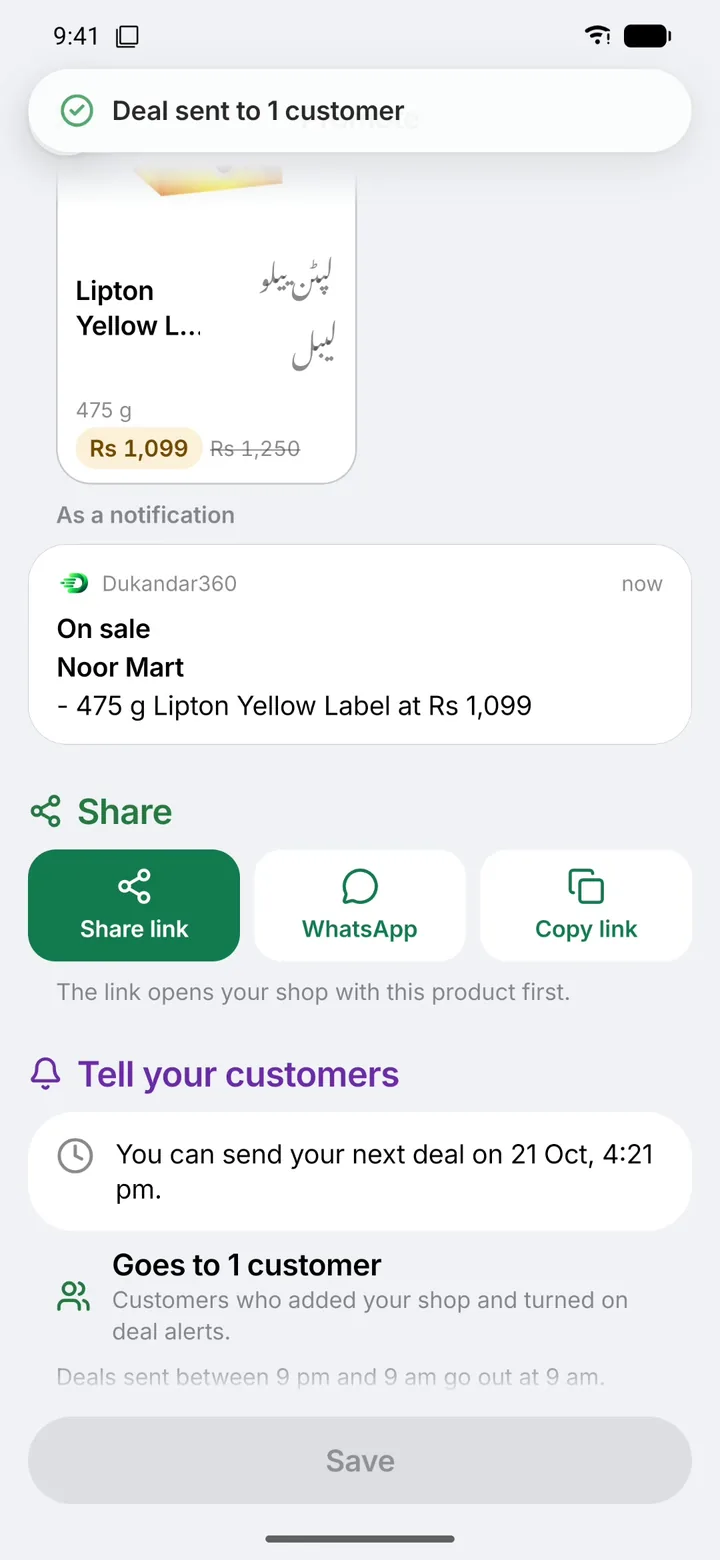
Mark a product On sale or New arrival and it gets a tag in your shop. Share its link on WhatsApp, which opens your shop with that product first, or send it as a notification to customers who added your shop.

Promoting Lipton Yellow Label: tag set to On sale, sale price Rs 1,099, original price Rs 1,250, and a preview of the tag in the shop.
The deal sent to one customer: the notification preview, Share link, WhatsApp and Copy link buttons.

Sales report

Know what sells

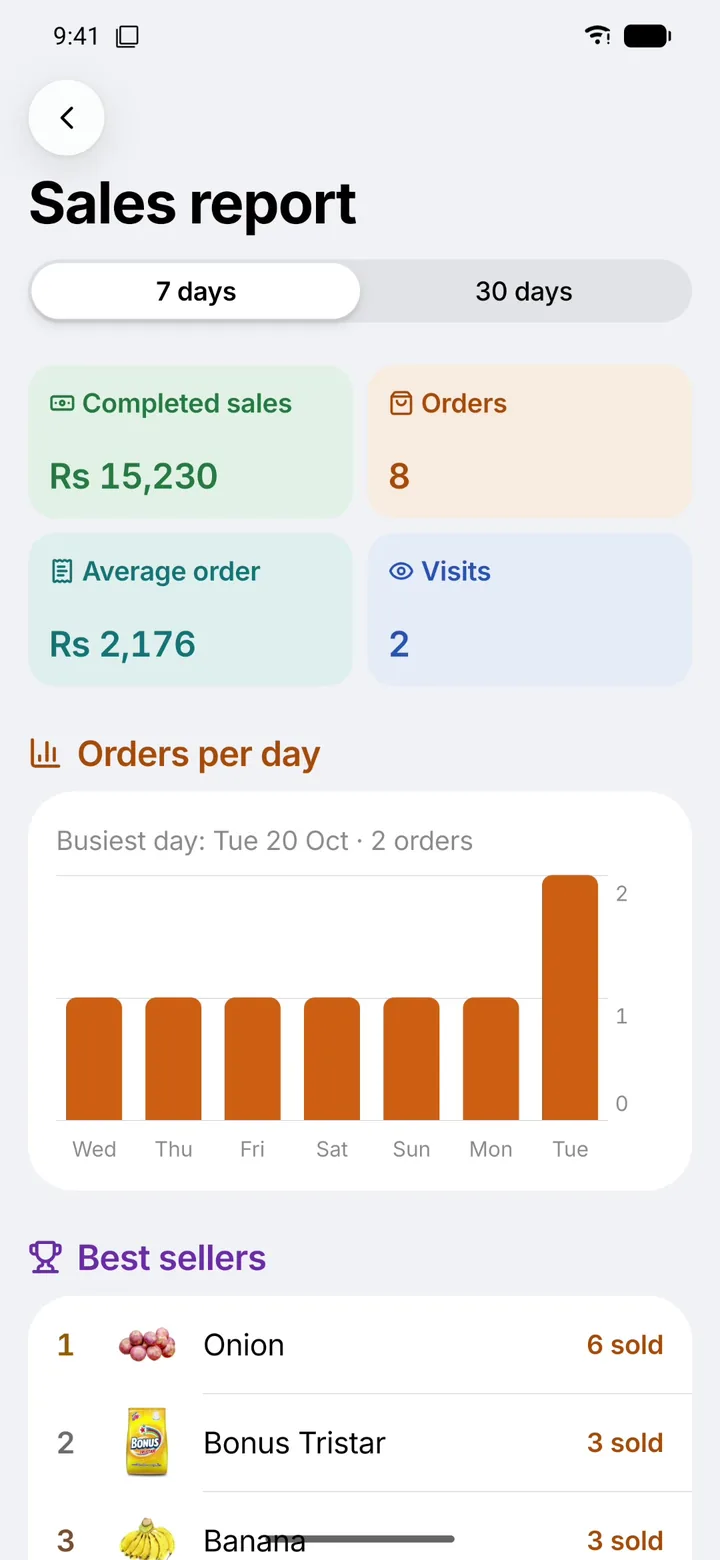
See how your shop is doing over the last 7 or 30 days.

Totals
Sales, orders, average order, visits
Each day
How many orders came in
Best sellers
How many of each you sold
The sales report for 7 days: Rs 15,230 in completed sales, 8 orders, an average order of Rs 2,176, orders per day and best sellers.

English and Urdu

Every screen in both languages

Switch between English and Urdu at any time. Urdu is set right to left in Nastaliq, and products show both names side by side.

Sugar
چینی
Cooking oil
کوکنگ آئل
Basmati rice
باسمتی چاول
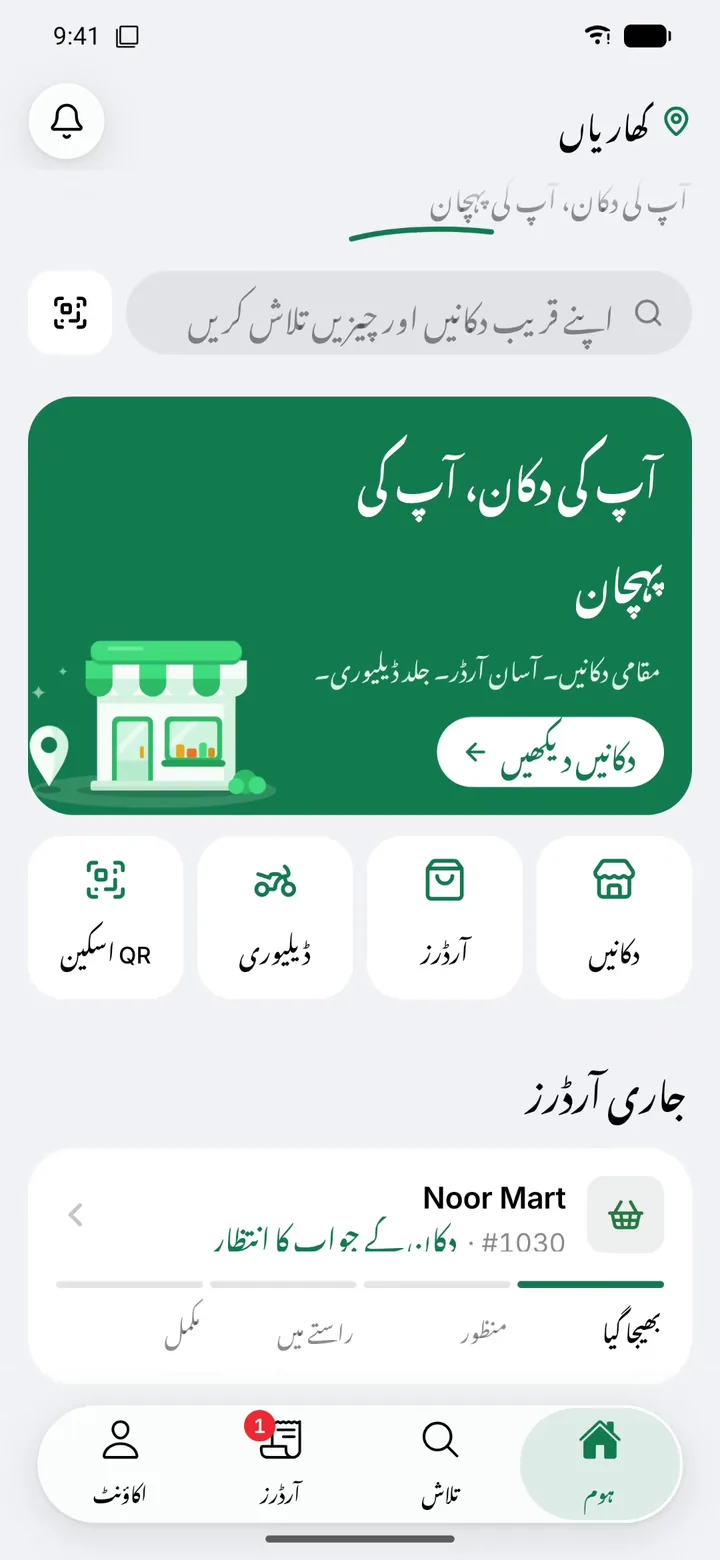
The customer's home screen in Urdu: shops nearby, the order in progress and shortcuts, all right to left.

Start free. Upgrade when your shop grows.

Prices in Pakistani rupees. You can change your plan in the app, from Account › Plan.

  • Start here

    Free

    Rs 0

    Everything you need to open your shop.

    • 1 shop
    • Up to 100 products
    • Shop link, QR poster and orders
    • 10 AI product descriptions a month
    • Sales report for the last 7 days
  • Plus

    Rs 2,000a month

    or Rs 15,000 a year

    • 2 shops
    • Up to 1,000 products per shop
    • 100 AI product descriptions a month
    • Your full sales history
    • Your customer list
    • A banner for your shop
    • Plus badge on your shop
  • Pro

    Rs 10,000a month

    • 5 shops
    • Unlimited products
    • 250 AI product descriptions a month
    • 100 AI photo enhancements a month
    • Featured at the top of search and home
    • Pro badge on your shop
    • Priority support

Questions

Something else?

Email support

support@dukandar360.com

How much does it cost?

The Free plan costs nothing: one shop and up to 100 products, with your link, QR poster and orders. If you need more shops, more products or the extra features, Plus is Rs 2,000 a month (or Rs 15,000 a year) and Pro is Rs 10,000 a month.

How do customers pay?

In cash: to you or the rider when the order is delivered, or at your counter when they pick it up. There is no card payment in the app.

Which cities is it in?

We are starting in Kharian and the towns and villages around it. Customers see the shops near them, and riders get deliveries from shops in their own city.

How will customers find my shop?

Through your link and QR code, which you share on WhatsApp, on Facebook and at your shop; and in the app, where customers see the shops near them and can search for a product.

Do my customers need the app?

Anyone can open your shop's link in a browser to see your products and prices. To place an order, they use the Dukandar360 app.

How are orders delivered?

You deliver them yourself, or send them with a rider. Riders sign up in the same app and deliver for shops in their city. They collect the cash from the customer and hand it over to you.

Where can I download the app?

On the App Store for iPhone and on Google Play for Android. Search for Dukandar360, or use the buttons on this page. The app is free to download.

What happens to my data?

We keep what the app needs to run your shop and its orders. Phone numbers are never shown on the website. The Privacy Policy explains it in full, and you can delete your account at any time.

Privacy PolicyDelete your account

Open your shop on Dukandar360.

Free for shops, in English and Urdu.

آپ کی دکان، آپ کی پہچان

On the App Store and Google Play now.